NetMirror TV APK
Your next watch starts here.
Explore NetMirror’s movie and TV-series interface, download the Android or TV APK, and get clear setup instructions for your device.
NetMirror
NetMirror is a fantastic streaming application. It’s gaining a unique identity in the digital streaming industry. Entertainment lovers from all over the world like the app most. They can stream multiple entertainment categories without any interruptions. Here, movies, TV shows, and much more entertainment content are accessible at no cost. Moreover, the user interface is very simple and clean. Users have a well-organized layout to easily explore the content.
Thus, users of any age group can easily use the App and explore the content. Additionally, the platform offers high-definition quality and a fast streaming server. Thus, your viewing experience becomes more enjoyable. If you are a fan of old classics or new releases, then give one chance to netmirror.gg. The new content is regularly updated on the platform. Therefore, NetMirror Install APK Android always has something new and fresh for its users. Use the cool app and convert your phone screen into a small cinema hall. Enjoy entertainment anytime and anywhere with NetMirror.
What is NetMirror App?
NetMirror App is a popular entertainment app that can change the way of entertainment. On the app, all types of entertainment content are available. Whether it’s action movies, romantic sagas, or thriller series. Its fast video player plays the videos without any delay. Thus, users can enjoy better clarity and a crisp audio experience. It’s nothing less than a blessing for cinema lovers. Additionally, it runs smoothly on any network speed.
Download Net Mirror and make your free time more enjoyable. It’s very easy to find your favorite content from a categorized list. If you are also looking for an app that can cover all your entertainment needs with lag-free performance. Then, you have an app on your screen. Simply tap on the available button and save the app on your handy gadget.
Key Features of NetMirror APK
High-quality Streaming
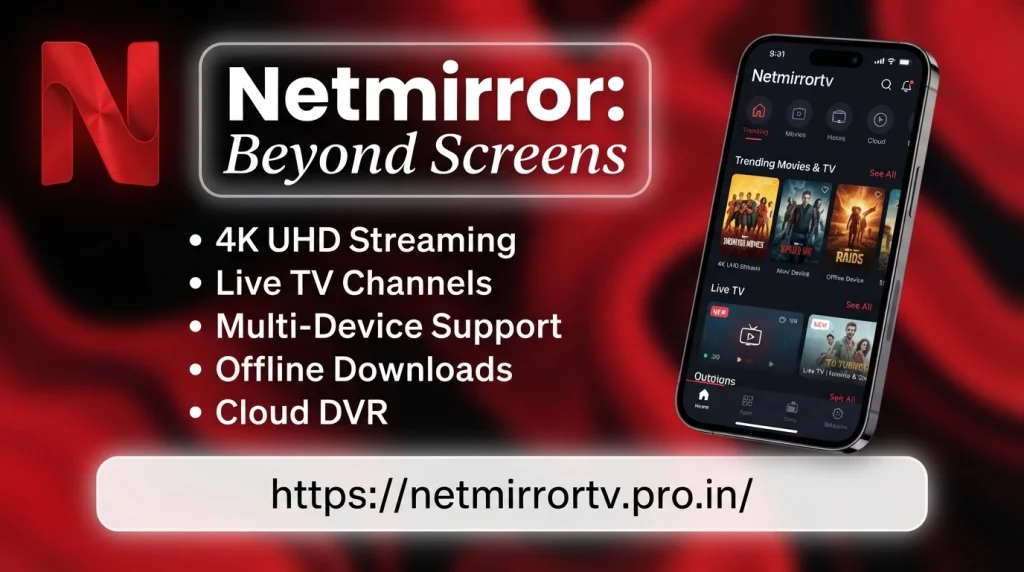
Use this feature and enjoy streaming in 1080p and 4K video quality. Its video engine shows each frame clearly. With the Net Mirror online watch high speed streaming server, you can enjoy each scene without buffering.
Huge Content Library
A large collection of movies and TV shows is available. Every weekend, the app adds new titles. You can easily find your favourite content without any trouble. Luckily, you can find old movies on the app without any effort.
Subtitle Support
If you are watching movies in a foreign language. Then, it’s not easy for you to understand the dialogues. Therefore, multiple language subtitles are available on the Net Mirror app online. These subtitles perfectly sync with videos. You can clearly understand the dialogues.
User-Friendly UI
The app layout is simple and clear. New users can easily find their favorite show without any confusion. Moreover, the platform’s clean design makes browsing the app very easy and interesting. Thus, it’s suitable for users who are using a streaming app for the very first time.
Custom Video Player
Net Mirror APK download has its own built-in media player that comes with many advanced controls. You can adjust screen brightness, volume, and playback speed with the help of your fingers. Thus, the movie-watching experience becomes more convenient.
Download Option
You can save the video and watch it anytime without an internet connection. The feature is perfect for those who want to enjoy entertainment, even while traveling. Moreover, NetMirror offline download issues never interrupt you while downloading content.
Smart Recommendation
The Net Mirror download APK will offer you shows and movies according to your watch history. Thus, you can save your time. You don’t need to search for the same content multiple times. You can easily find your favorite content.
Multi-Device Support
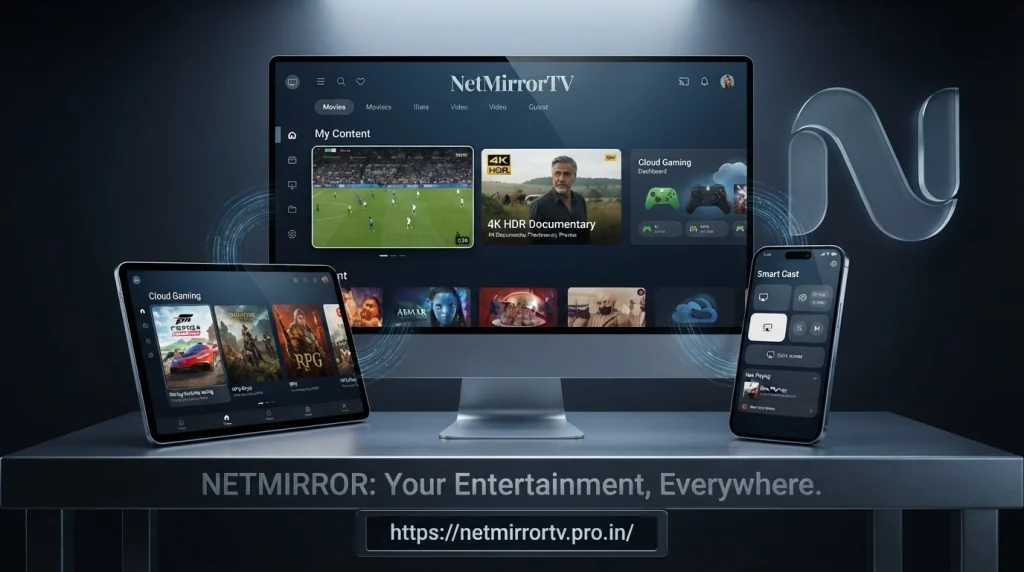
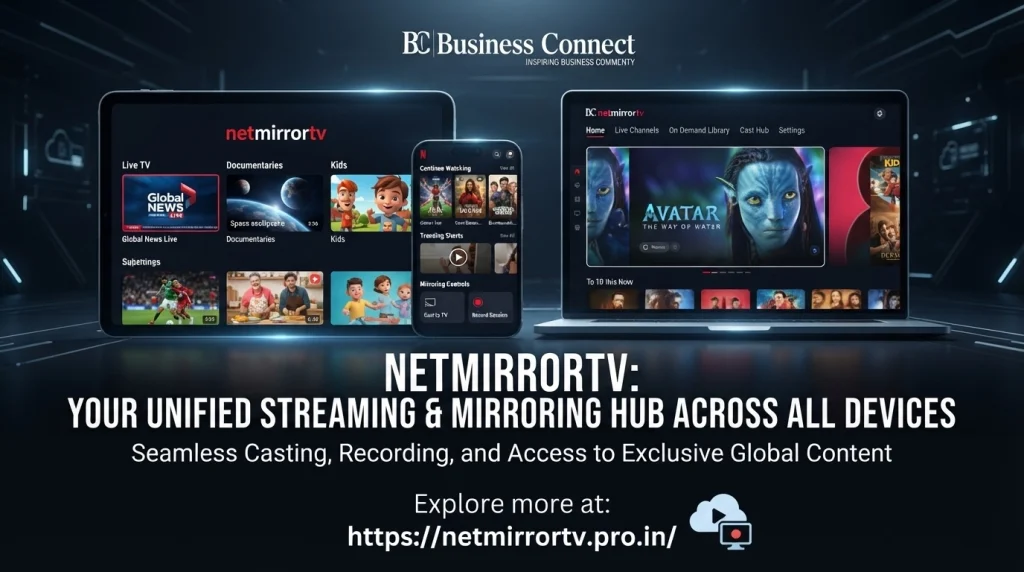
You can use the application on smartphones, tablets, and smart TVs. The settings and installation process are very easy for all devices. Its layout auto-adjustston all screen sizes. Because of this cool feature, you can enjoy movies on TV.
Ad-Free Experience
The continuous appearance of ads can spoil your mood. On this platform, ads are minimal. Thus, Net Mirror APK Android download lets you enjoy streaming without ads. Users can stream movies without any interruptions.
Multiple Servers
Multiple streaming servers are available on the platform. When one server is not working very well, you can easily choose another. Users can enjoy movies without buffering and lag issues.
What is Net Mirror Web?
Net Mirror Web is a web version for movie, web series, and TV show lovers. Imagine you have a low-end Android phone that can’t run the APK version. This means that you can’t enjoy your favorite content. However, you don’t need to worry. Here, a simple solution is available for your problem. You can easily access the app without installing it on your phone.
The web version makes the app easily accessible on different devices. Users can use the web version on Android TV, laptops, tablets, and other devices. The process of streaming becomes convenient for entertainment enthusiasts.
Why is the NetMirror APK popular?
The biggest reason for the popularity of NetMirror APK is its fast performance and high-quality content. On other apps, users complain about ads and slow loading. Unlike those apps, it offers a smooth streaming experience. Moreover, all types of media content load with lightning speed.
Further, its constantly updated collection always maintains user engagement. Its customer satisfaction and flexible video player controls make it top-rated among entertainment lovers. Content of all categories is easily accessible on the app. Users of all age groups can easily use the app and enjoy their favorite entertainment titles.
NetMirror APK Download on Android
It’s very easy to install third-party applications on Android devices. Download the NetMirror APK on Android from that page. You only need to download the setup file from an official website or trusted sources. When the download process completes, you can start the installation process.
For account creation, the app login option is available on the screen. You can sign in without entering your basic details. When you log in to the app interface, all important information will appear on the screen. Now, you can stream your favorite content.
NetMirror Install APK on Android
The installation process is as easy as making tea. Further, the app is as important to movie lovers as tea is important to tea lovers. Some users can’t live without tea, and others can’t live without watching Bollywood and Hollywood movies. Like tea, NetMirror also doesn’t have a replacement in users’ lives.
However, install the NetMirror APK on Android to enjoy your favourite content. You can start the installation process in one click after allowing unknown sources permissions in settings. Open settings and visit the security section to enable unknown sources. Now, install the platform and enjoy your favorite content without any subscriptions.
Netmirror App APK Download for PC
If you have a craze to watch movies on a large screen without any disturbance. Then, you are going to be surprised. You can easily run the app on a PC. However, the one drawback is that you can’t run the app without an emulator like BlueStacks or LDPlayer.
You can easily import the new APK file into the emulator. After installation, the NetMirror APK installation process will automatically complete. Now, enjoy high-resolution videos on the PC screen. The streaming and downloading experience becomes more convenient on PC.
NetMirror App Download for iOS
Apple users need the iOS format for the NetMirror app download. Most APKs are available for Android devices. However, iOS users can use a web-based client or compatible profile file. Moreover, the iOS download status development is in progress. In some regions, it’s available through the third-party store. When the download process completes, then open the app. You will enjoy a smooth and secure interface that works very well on iPhone and iPad.
What is Net Mirror Mod APK?
Net Mirror Mod APK is a modified version that’s especially available for Android users. It’s not possible for everyone to afford premium subscriptions. However, everyone wants to enjoy VIP content. Therefore, they look for alternative methods. Here is the best alternative for Android users who want to mirror paid apps’ content without any charges.
They have a great opportunity to enjoy Netflix, Prime Video, and Disney Plus content without paying monthly subscriptions. In addition, in the modded version, ads are completely removed. Users can enjoy an ad-free experience for better streaming. However, never forget that the app has some malware and virus risks.
Net Mirror App Content Categories
NetMirror Install App to enjoy entertainment from multiple categories. The content is categorized into different categories to make browsing easy. You have multiple genres of content such as action, romance, comedy, thriller, suspense, and fantasy. Additionally, Hollywood, Bollywood, and regional shows are available in separate sections. Luckily, kids’ content and animated movies are also available.
Users can enjoy South Indian dubbed movies. A dedicated section is available for South Indian dubbed movies. If you are a big fan of Hindi dubbed movies, then the platform is going to thrill you. These organized categories help you to find your favorite content without wasting your precious time.
How to update NetMirror Download App?
If you want to update the NetMirror Download App, then open the app settings menu. Now, locate the cache section and clear the cache. Now, reinstall the app so that it can fetch new titles. If the app still doesn’t show new releases, then reinstall the latest version from the official website. In the Telugu movies category, swipe down to refresh the content library. The new release titles are easily displayed on the screen.
Net Mirror Buffering Solution
If the video stops again and again, then first of all,l check the internet connection. In the Net Mirror settings, set the video resolution from 1080p to 720p. Clear the app cache before using the app. Also, switch the app to another server. The video playback becomes smooth. If the app is still buffering, then you should try an alternative app.
Net Mirror online Server not responding fix
When Net Mirror Online shows server not responding then check the app’s internet connection. Close the app and restart it again. If the issue still doesn’t resolve, then connect to a VPN and change the location. Sometimes the local ISP server blocks the location. You don’t need to worry about a safe or unsafe app. Use a secure VPN to solve server issues.
Pros and Cons of Net Mirror
Pros
- The interface is simple and easy to use.
- Platform support high-definition video playback.
- Multiple streaming servers are available in the app.
- On the platform, content is updated on a daily basis.
- Users can enjoy an offline download option.
- Without a premium subscription, it offers you premium features.
- It offers smooth streaming on low internet data.
Cons
- In some regions, a VPN is necessary for direct access.
- The method is different for downloading and installing the app on iOS devices.
- The app is officially not available on the Google Play Store.
- In Net Mirror Android TV setup, users sometimes face resolution adjustment issues.
Conclusion
Net Mirror APK is a fantastic streaming application. It’s suitable for users who are crazy fans of Bollywood and Hollywood movies. Moreover, its fast user interface, multi-device support, and vast library make it different from other apps. Use the latest version of the platform and enjoy both old and new shows. If you want buffer-free video quality, then it’s a better choice. Thus, if you can’t afford Netflix, then use its mirroring app to enjoy your favorite shows. Additionally, you don’t need to log in or sign up for the app.
FAQs
What is Net Mirror APK?
The app is an ideal entertainment solution for those who can’t afford subscriptions of Netflix. They can enjoy all the paid content without charges.
How to use NetMirror on PC?
If you want to install it on a PC to enjoy streaming on a big screen, then Android emulators are a good solution for the app.
Is Net Mirror available online?
Yes, the app offers online streaming. Therefore, users search for it as an online streaming app. However, you can also download videos for offline viewing.
Can I use the Net Mirror Official Website without logging in?
Yes, it’s possible. Without registration or login, you can directly access the content. Enjoy your favorite movies and TV shows without any login or subscriptions.
When to use the old version APK?
When you have a low-end Android phone. Sometimes the latest version can’t give smooth performance on old devices. Thus, users can use an older version.
Is NetMirror Website safe to use?
Yes, it’s completely safe to use. You don’t need to give any login information. Also, users don’t need to install the app on their smartphones.